Most computer mice are designed to be noticed on a specification sheet. The MX Master 3S is designed to be noticed less: it shapes the hand comfortably, turns frequent gestures into useful shortcuts, and keeps working as you move between a laptop, desktop, and tablet.
It is not a gaming mouse, and it is not ideal for every hand. But for long days of writing, browsing, spreadsheets, and editing, it remains one of the most convincing productivity tools you can put beside a keyboard.
A shape that earns its desk space
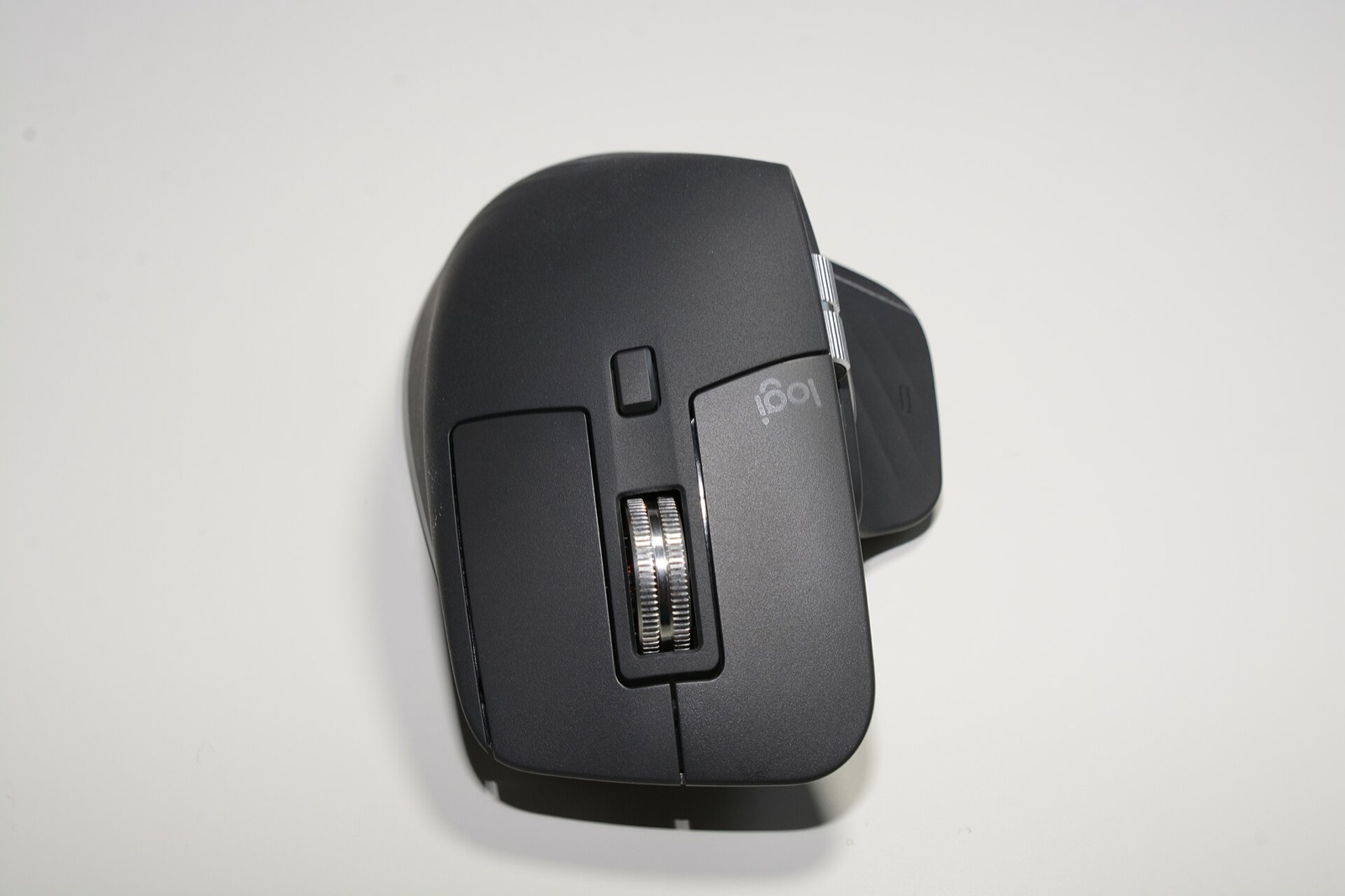
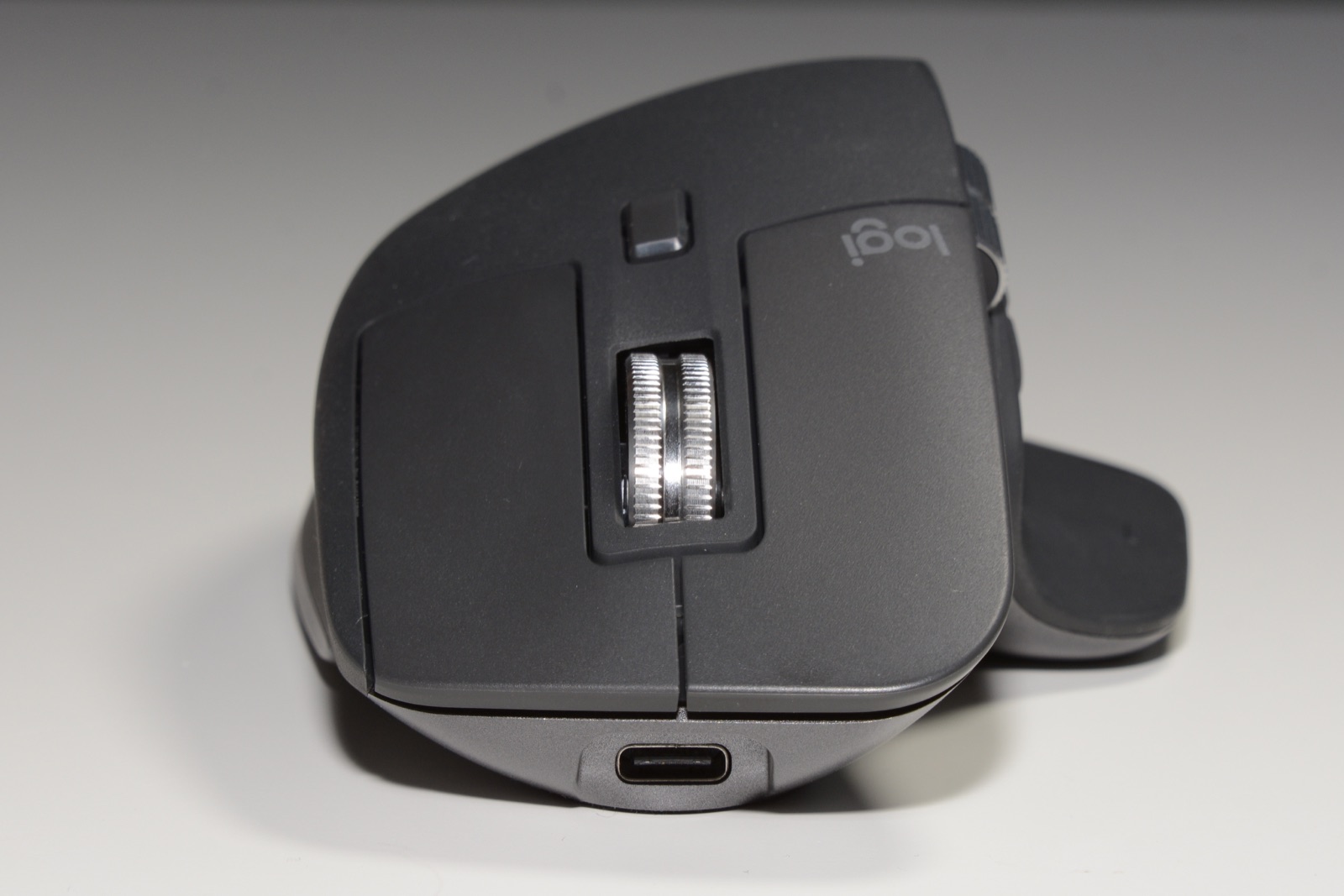
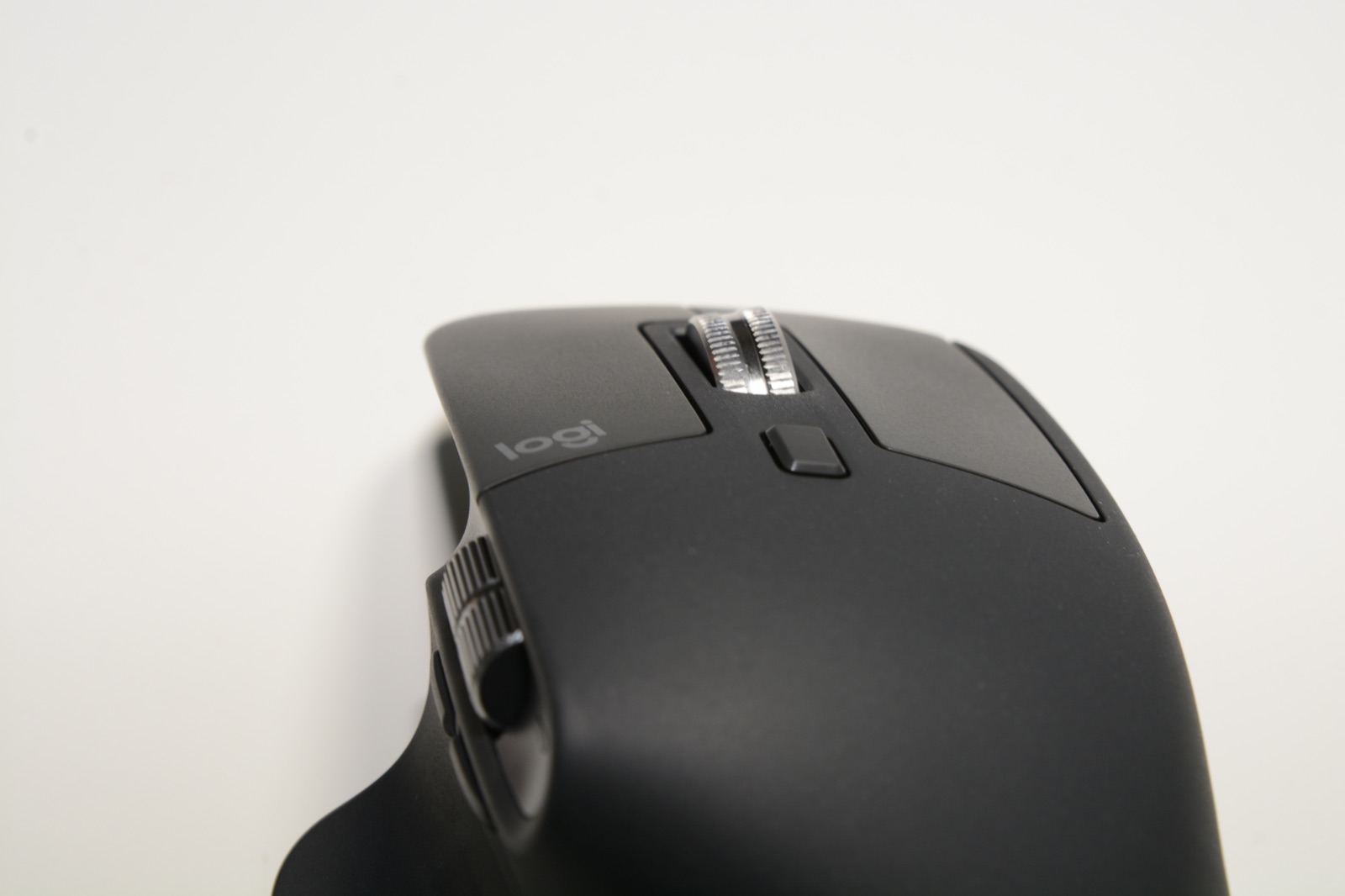
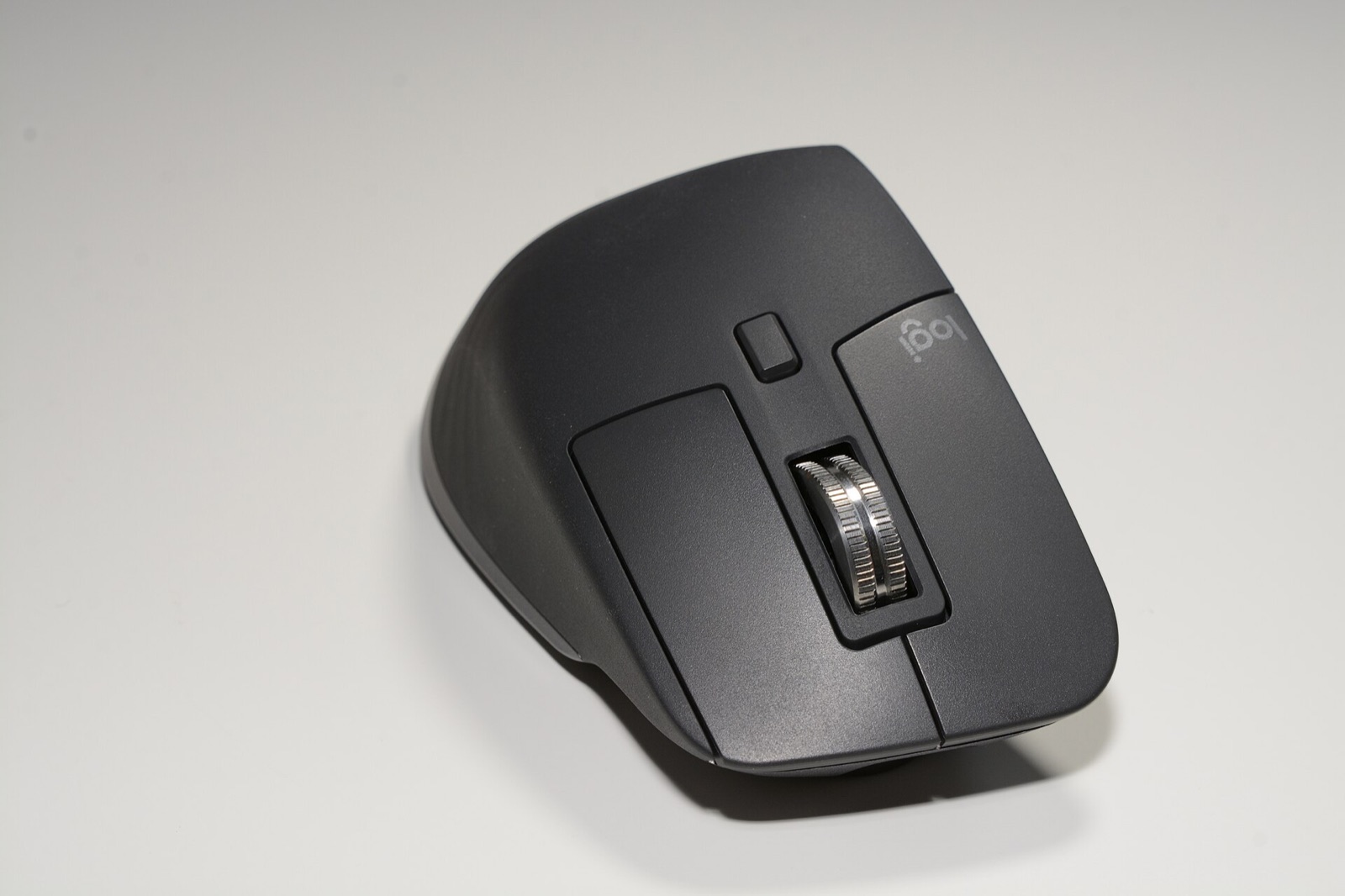
The MX Master 3S fills the palm and gives the thumb a dedicated rest, which makes it more supportive than a low-profile office mouse. The metal main wheel has a satisfying weight, and the side wheel is excellent for horizontal scrolling in timelines and wide documents.
The size is the main caveat. People with small hands may find the reach to the front buttons awkward, and left-handed users are not served by this design. It is also heavier than a gaming mouse, which is a reasonable trade for stability during precision work.
Quiet clicks, useful controls
The 8,000 DPI sensor is sensitive enough for high-resolution displays, while the adjustable wheel can change its behavior with a press. Quiet switches make clicking less intrusive in shared rooms. The texture and thumb controls feel deliberate rather than decorative.
Logitech’s software unlocks per-app gestures and device-specific profiles. These are genuinely useful if you take the time to configure them, but the mouse remains perfectly usable without a long setup session.
Multi-device work and battery life
The MX Master 3S can pair with up to three devices and switch between them with a button. This is the feature that turns it from a comfortable mouse into a workflow hub for people who split work between a laptop and desktop. Bluetooth and the Logitech Bolt receiver cover Windows, macOS, and Linux-friendly setups.
Battery life is generous, measured in weeks rather than hours, and USB-C charging is convenient. The mouse is not cheap, but it replaces several smaller upgrades at once: better ergonomics, programmable controls, and a fast device switcher.
What works
- Excellent palm support for long sessions
- Quiet switches and precise MagSpeed wheel
- Three-device pairing and easy switching
- Long battery life with USB-C charging
What does not
- Large for small hands
- Right-handed design only
- Some advanced controls require software setup
Who should buy it?
- People who work across multiple computers during the day.
- Writers, analysts, and editors who spend long hours at a desk.
- Users who want a comfortable productivity mouse and programmable shortcuts.
The verdict
The MX Master 3S is expensive for a mouse and still easy to justify. It improves the most repetitive part of desk work, and its device switching removes a small but constant source of friction. If the shape fits your hand, it is likely to become one of the least considered and most appreciated parts of your setup.